Level Up Your Power BI Dashboards – Secrets to Creating Dynamic Titles

Level Up Your Power BI Dashboards – Secrets to Creating Dynamic Titles

Power BI is a powerful business intelligence tool that enables users to transform raw data into visually appealing and interactive dashboards. One key element that can significantly enhance the effectiveness of Power BI dashboards is dynamic titles. In this article, we will explore the secrets to creating dynamic titles that add an extra layer of interactivity and relevance to your Power BI dashboards.


Unveiling the Hidden Gems – Power BI Free vs Power BI Pro – How to Unleash the Full Potential of Your Data

Unveiling the Hidden Gems – Power BI Free vs Power BI Pro – How to Unleash the Full Potential of Your Data

In today’s data-driven world, businesses are constantly seeking ways to gain insights and make informed decisions. With the ever-increasing volumes of data, it is crucial to have the right tools to analyze and visualize this information effectively. Power BI, developed by Microsoft, has emerged as a popular choice for businesses looking to unlock the full potential of their data. In this article, we will explore the differences between Power BI Free and Power BI Pro and uncover how you can leverage the capabilities of these tools to drive data-driven decision-making.

Revolutionize Your Power BI Reports with Dynamic Titles – Here’s How!

Revolutionize Your Power BI Reports with Dynamic Titles – Here’s How!

In the world of data analysis and visualization, Power BI has emerged as a powerful tool for businesses to gain insights and make informed decisions. One crucial aspect of creating impactful Power BI reports is the effective use of titles. Traditional static titles might not always provide the necessary context or personalization to engage viewers. This is where dynamic titles come into play. By incorporating dynamic titles in your Power BI reports, you can revolutionize the way your data is presented and enhance the user experience. In this article, we will explore the concept of dynamic titles and provide a step-by-step guide to creating them in Power BI.

Data Cleansing Made Easy – Unlocking the Secrets of the Replace Values Command in Power Query

Data Cleansing Made Easy – Unlocking the Secrets of the Replace Values Command in Power Query

Have you ever found yourself struggling with messy and inconsistent data? If so, you’re not alone. Data cleansing is a crucial step in any data analysis process, ensuring accuracy and reliability. In this article, we will explore an incredibly powerful tool called Power Query and its Replace Values command, which can make data cleansing a breeze.

New Power BI Sales Report Solution

New Power BI Sales Report Solution

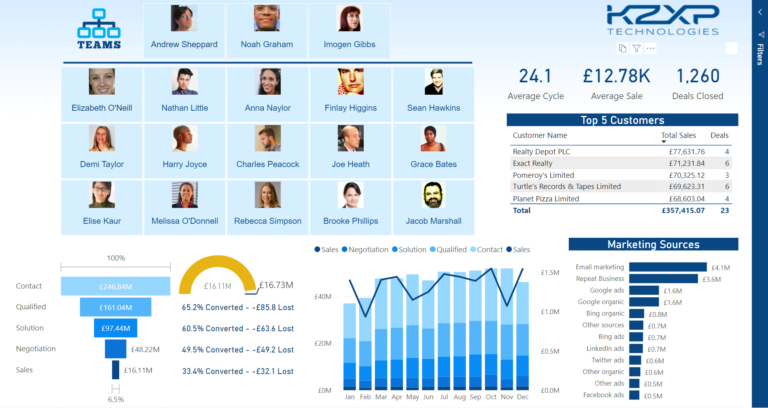
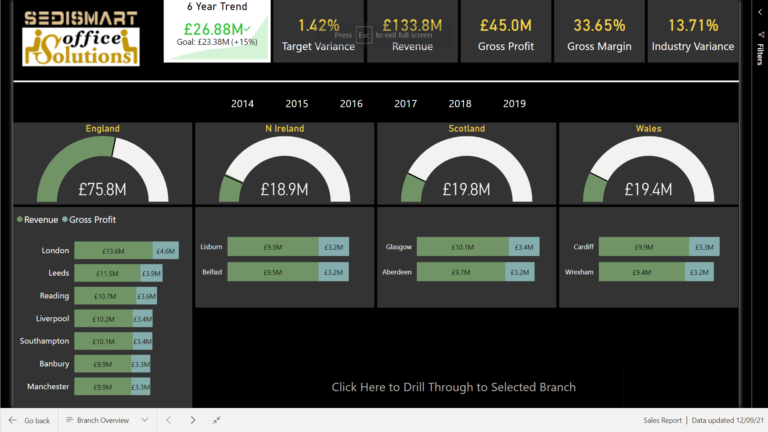
A new Power BI solution has been added to the members resources library. This solution contains a number of features which may be useful to both new and experienced Power BI report developers. Subscribers to our Power BI Comprehensive Introduction course receive step-by-step practice in building this sales report from the ground up. A Report…

Power BI DA-100 Exam TipsManage datasetsProviding access to datasets

Power BI DA-100 Exam Tips
Manage datasets
Providing access to datasets

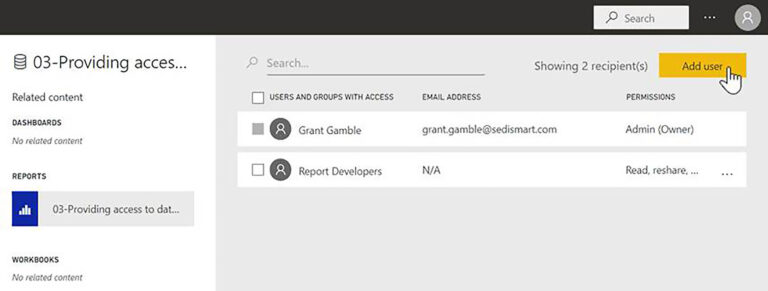
In this series of blog posts, we will be examining some of the key features of Power BI Desktop, Power Query and the Power BI Service needed to pass exam DA-100: Analyzing Data with Microsoft Power BI. In this Power BI training post, we will examine DA-100 exam – Manage datasets: Providing access to datasets….