

Similar Posts
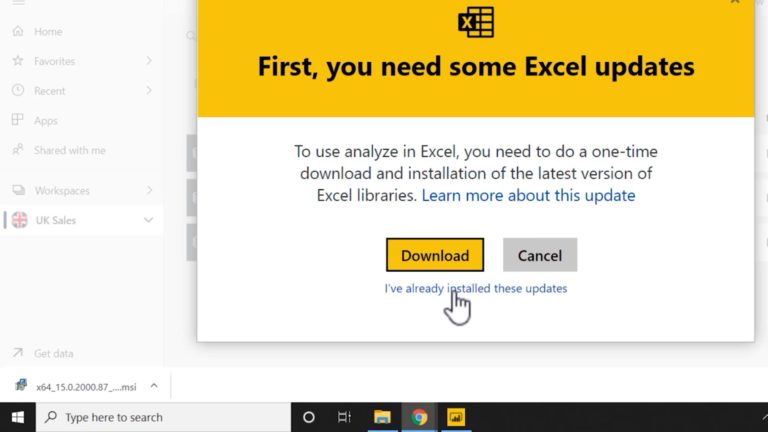
Power BI MCSA Certification Training Tips – Part 13: Analyze in Excel
To obtain your MCSA: BI Reporting you need to pass two exams: 70-778 (Analyzing and Visualizing Data with Power BI) and 70-779 (Analyzing and Visualizing Data with Excel). However, there is a huge overlap between the two exams resulting from the common BI features found in both Power BI and Excel: namely data modelling using…
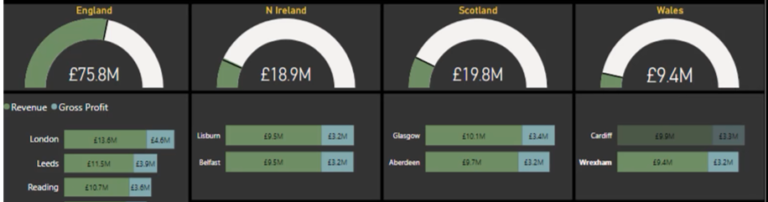
Power BI DA-100: Edit and configure interactions between visuals
Exam DA-100 | Edit and configure interactions between visuals In this series of blog posts, we will be examining some of the key features of Power BI Desktop, Power Query and the Power BI Service needed to pass exam DA-100: Analyzing Data with Microsoft Power BI. The series was originally mapped to the MCSA: BI…
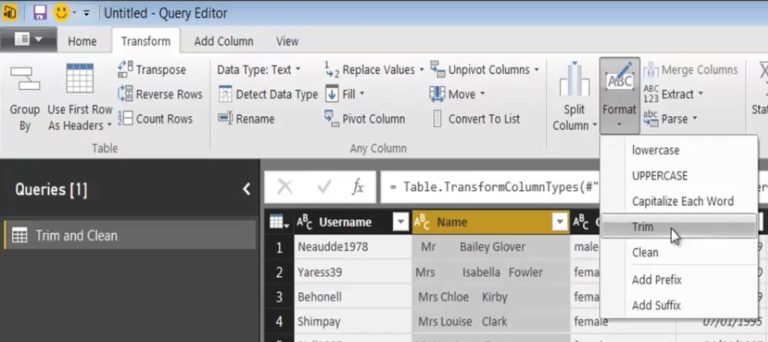
Power Query Trim and Clean Functions
In this series of blog posts, we will be examining some of the key features of Power BI Desktop, Power Query and the Power BI Service needed to pass exam DA-100: Analyzing Data with Microsoft Power BI. The series was originally mapped to the MCSA: BI Reporting; however, the topics covered are also relevant to…
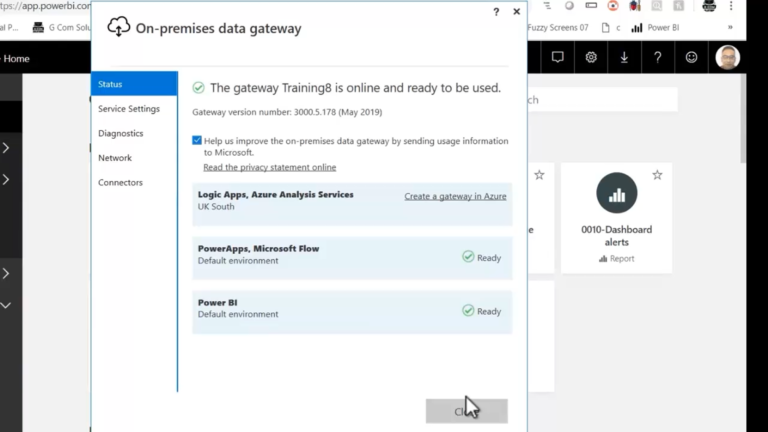
Power BI MCSA Certification Training Tips – Part 14: On-premises Data Gateway
To obtain your MCSA: BI Reporting you need to pass two exams: 70-778 (Analyzing and Visualizing Data with Power BI) and 70-779 (Analyzing and Visualizing Data with Excel). However, there is a huge overlap between the two exams resulting from the common BI features found in both Power BI and Excel: namely data modelling using…
Getting Started with Power BI – Pt 1
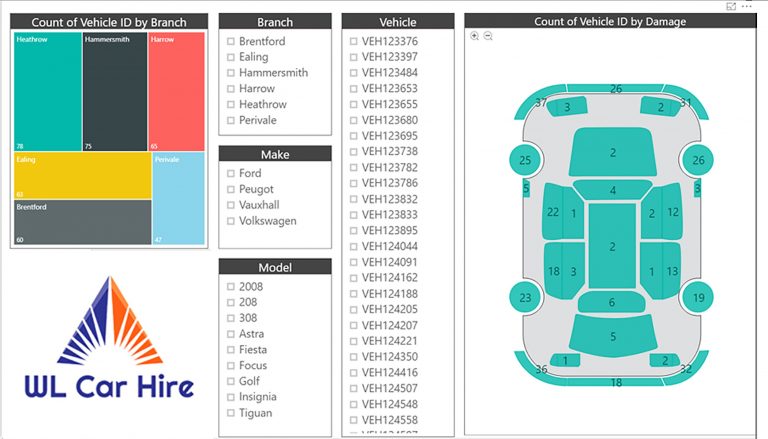
Part 1 (of 4): the Power BI Product Click here to download the tutorial work files Power BI online training Microsoft Power BI consists of three parts Power BI Desktop, the Power BI service and Power BI mobile apps. Power BI Desktop is the workhorse of the three: this is where you connect with your…
Nesting SELECTEDVALUE in Power BI Dynamic Titles
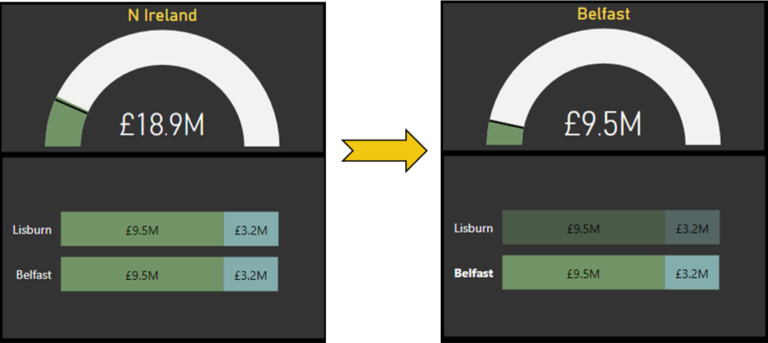
In Power BI, you can create dynamic titles for any visuals, by creating DAX measures which track the current state of the fields displayed within the visual itself or other related slicers and visuals. These dynamic titles can be used to convey useful feedback to report consumers as they interact with your reports. The main…