
Similar Posts
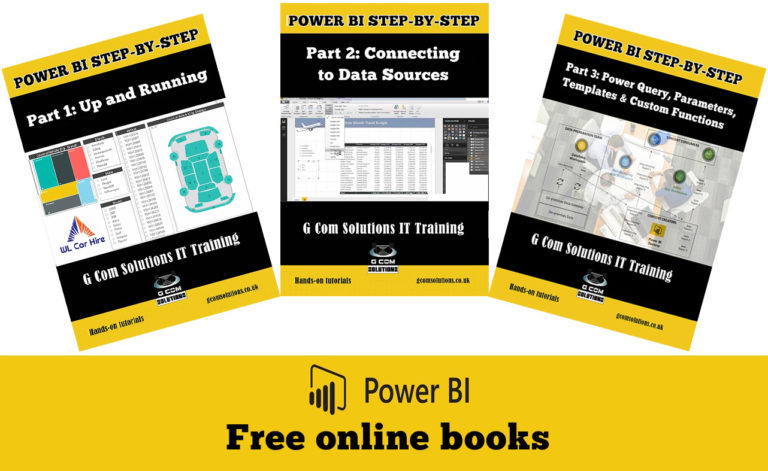
Free Power BI Books
Power BI enables business users to interact with corporate information and to extract the reports and intel they need. Power BI allows users to access reports and dashboards using familiar tools and devices. Self-service BI has never been so user-friendly! If you are looking to learn Power BI, then our series of Power BI…

Say Goodbye to Manual Updates – Transform Your Power BI Reports with Scheduled Refreshes
In today’s fast-paced business environment, it is crucial to have up-to-date data at your fingertips. As a Power BI user, you may have experienced the tedious and time-consuming task of manually refreshing your reports to ensure accurate and timely insights. But what if there was a way to say goodbye to manual updates and automate the process? Enter scheduled refreshes, a game-changing feature in Power BI that allows you to transform your reports and focus on what matters most—interpreting the data and making informed decisions.

Data Visualization Magic – How Power BI Desktop Can Turn Numbers into Stunning Insights
Data visualization is a powerful tool that can transform raw data into meaningful insights, enabling businesses to make informed decisions. In today’s data-driven world, organizations are inundated with vast amounts of information. However, without proper visualization techniques, these numbers and statistics can be overwhelming and difficult to comprehend. This is where Power BI Desktop comes into play.

Mixpanel
Power BI is a business analytics service provided by Microsoft. It allows users to analyze data and share insights. One of the key features of Power BI is its ability to connect to multiple data sources. In this article, we will explore how to connect to the Mixpanel data source from inside Power BI using Power Query M Language Code.

Take Control of Your Data Story – Pinning Individual Visuals in Power BI Dashboards Made Easy
In today’s data-driven world, organizations rely on powerful analytics tools to transform raw data into valuable insights. Microsoft Power BI has emerged as a leading business intelligence platform, empowering users to create interactive dashboards and reports. Visualizations play a crucial role in conveying information effectively, but until recently, it was challenging to pin individual visuals in Power BI dashboards. However, with the introduction of this feature, users now have greater control over their data story.

Azure SQL Database
When it comes to business intelligence, Power BI has become one of the most popular tools in the market. With its ability to analyze, visualize, and share data insights, Power BI is a game-changer for businesses of all sizes. One of the key features of Power BI is its ability to connect to various data sources, including Azure SQL Database. In this article, we will explore the Power Query M Language code for connecting to the Azure SQL Database data source from inside Power BI.